
How to Choose and Setup the Best IPTV for Firestick in 2026

The Amazon Firestick remains the undisputed king of streaming hardware for cord-cutters worldwide. From the budget-friendly Fire TV Stick Lite to the lightning-fast Fire TV Stick 4K Max, Amazon's streaming dongles combine powerful hardware decoding, an intuitive remote control, and wide open support for sideloaded media players.
However, finding the best IPTV for Firestick isn't just about downloading an app from the Amazon Appstore. You need a dedicated IPTV service with high-bandwidth CDN servers, uncompressed 4K sports feeds, and built-in anti-freeze technology that prevents frustrating buffering loops during weekend football matches.
Why Firestick Is the Ideal Hardware for IPTV Streaming
Amazon Fire TV devices run Fire OS, a customized fork of Android. This architecture provides distinct advantages for live television over internet protocols:
GPU Video Acceleration
Modern Firesticks decode H.265 (HEVC), VP9, and AV1 video streams natively, keeping CPU utilization low and thermal performance cool.
Simple Sideloading
Install top-tier players like TiviMate, IPTV Smarters Pro, and XCIPTV in under two minutes via the Downloader app.
Wi-Fi 6 & 6E Speeds
Fire TV Stick 4K Max provides high sustained throughput required for uncompressed 4K 60FPS sports feeds without jitter.
Key Features to Demand in a Firestick IPTV Provider
- Proprietary Anti-Freeze Architecture: Budget providers run on cheap shared VPS hosts that collapse during peak fixtures. The best providers utilize distributed edge nodes with automatic failover (like ViewTV's Anti-Freeze™ 9.4).
- High-Bitrate 60FPS Sports Motion: Fast-paced sports require genuine 50FPS or 60FPS Full HD and 4K UHD feeds to prevent motion blur and ghosting.
- XMLTV Electronic Program Guide (EPG): Enjoy seamless channel surfing with continuously synchronizing TV guides integrated directly with Xtream Codes API.
- Direct WhatsApp & Email Support: Instant assistance ensures any credential or connection issue is solved within minutes.
How to Setup IPTV on Firestick in 3 Minutes
- Install Downloader: Open Find > Search, type Downloader, and install the orange app from the Amazon Appstore.
- Enable Developer Mode: Go to Settings > My Fire TV > About and click your Fire TV device name 7 times rapidly until developer mode is unlocked.
- Allow Unknown Apps: In Settings > My Fire TV > Developer Options > Install unknown apps, toggle Downloader to ON.
- Download TiviMate or IPTV Smarters: Launch Downloader, enter the app code, and click download and install.
- Log In with Xtream Codes: Input the server URL, username, and password provided by ViewTV to access your channels instantly.
For detailed visual guides, review our step-by-step Device Setup Guides.
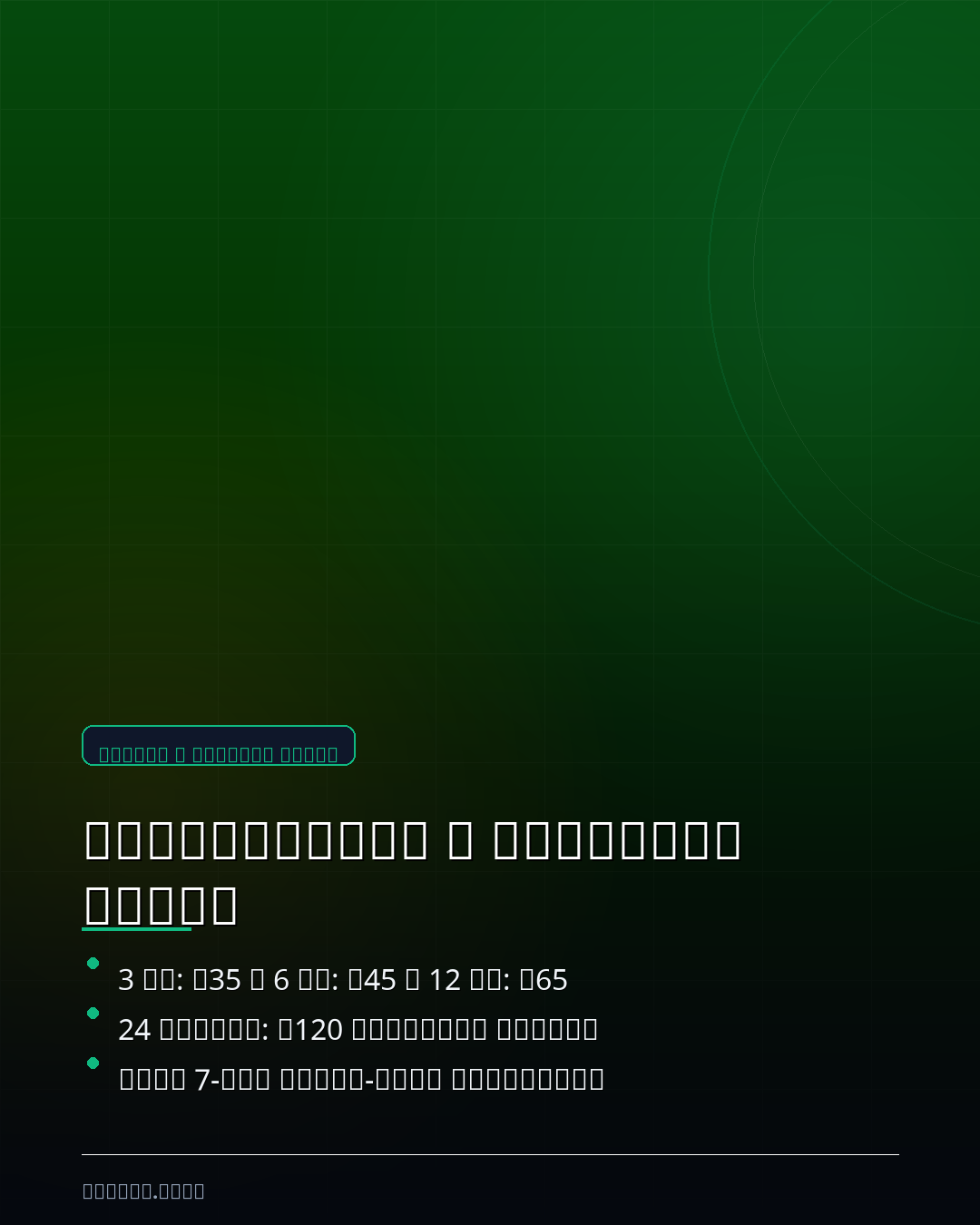
ViewTV (View IPTV) Service Details
Frequently Asked Questions About IPTV on Firestick
Which Firestick model is best for IPTV streaming?
The Amazon Fire TV Stick 4K Max is the recommended choice due to its faster 2.0 GHz quad-core processor, 2GB of RAM, and Wi-Fi 6E support, which ensures instant channel zapping and zero stutter on 4K 60FPS streams.
Is an IPTV subscription safe on Firestick?
Yes, using reputable media players like TiviMate or IPTV Smarters Pro alongside a trusted subscription provider like ViewTV is completely safe. For extra privacy against ISP bandwidth throttling, you can also run a trusted VPN.
What internet speed do I need for IPTV on Firestick?
For standard HD streaming, 15 Mbps is sufficient. For uninterrupted 4K UHD sports streaming at 60FPS, a stable connection of 30–50 Mbps connected over a 5 GHz Wi-Fi band or Ethernet adapter is ideal.
Can I record live TV on my Firestick?
Yes. If you use advanced players like TiviMate Premium, you can connect an external USB flash drive using an OTG cable and schedule recordings of live matches and shows directly to external storage.
Upgrade Your Firestick Today
Upgrading your Amazon Firestick with a high-tier IPTV subscription frees you from costly cable contracts and unlocks thousands of live sports, movie, and international channels in radiant 4K resolution.
With ViewTV's 22,000+ live channels, Anti-Freeze 9.4 network, and risk-free 7-day money-back guarantee, you get the ultimate home entertainment setup at an unbeatable price. Explore our Complete Channels Catalog to see everything available.